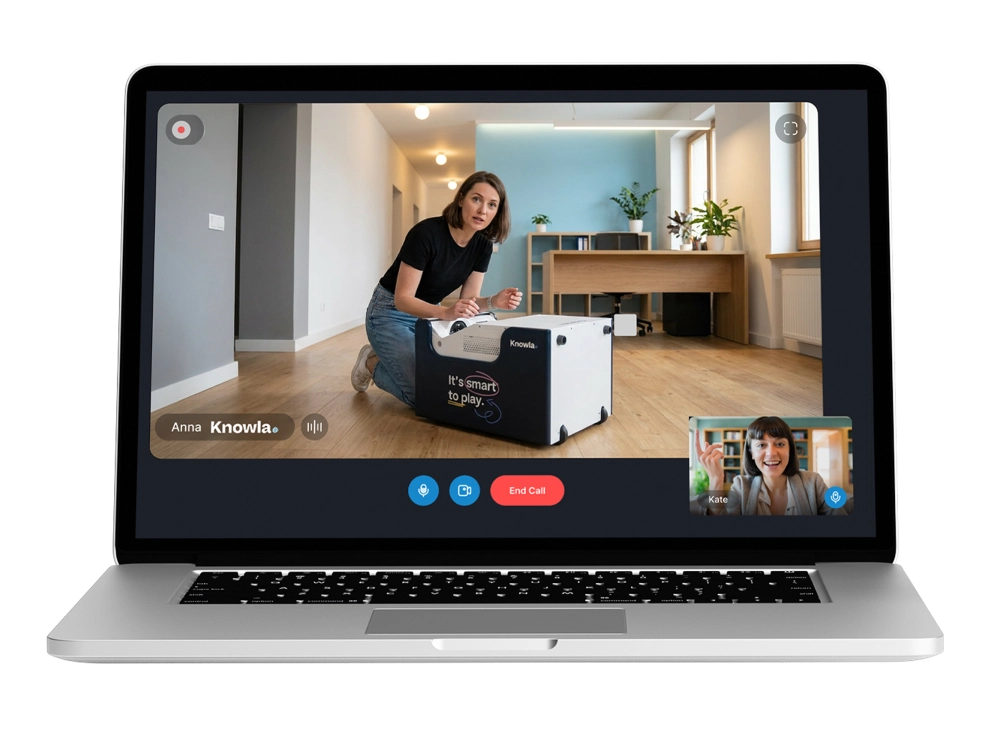
Many educators face a dilemma: how can they use new technologies so that they don’t dominate the lesson, but merely enrich it? Interactive lessons aren’t a matter of advanced computer skills, but of making wise use of the tools we already have at our disposal.
The key to engaging lessons is combining traditional teaching methods with the potential of the digital world.
Teaching Comes First—Technology as a Support
First, we need to shift our mindset: we’re not trying to force the app to fit our lessons, but rather selecting tools that help us deliver our lessons.
It’s a good idea to start planning by defining a clear objective—in line with the core curriculum—that you want to achieve, as well as the materials needed to carry it out. Only then should you consider how to convey this knowledge (lecture, project, quiz, game) and how various technological solutions can help you do so.
- Define the foundation: What does the student need to take away from these 45 minutes?
- Choose “technological” moments: Multimedia works best when you need to illustrate something or reinforce knowledge through repetition. It’s also a way to increase engagement or lighten the mood.
- Don’t be afraid of simplicity: Even using a device symbolically at the beginning or end of a class can dramatically change the level of attention in the classroom.
Choose the technology that works for you
You don’t need to be familiar with every app and device available on the market. An effective teacher is one who feels confident in their teaching methods and the (technological) tools they use. Above all, it’s important that the technology meets the needs of the class and the teacher.
One such intuitive technological solution is Knowla Box:
- It adapts to you: It displays an interactive image on any wall or floor. It also lets you adjust the image size. You can interact with it by: throwing balls at it, writing with interactive pens, using the keyboard, or using the Knowla Remote app for remote control. The Knowla Box provides access to the Educational Universe, and thanks to its built-in Windows system, it also allows teachers to use their favorite materials and resources.
- It is easy to use: Knowla’s activities are easy for both teachers and students to understand. User guides and tutorials are also included.
- It engages students effortlessly: Interactions using balls or markers transform students from passive recipients into active participants in the process.
- Protects Your Health: Epson laser projectors provide reflected light that is easy on the eyes, even during extended use.
Learn more about Knowla Box – here.
The Educational Universe in Practice
The Educational Universe features a variety of educational and therapeutic apps that will help you get the most out of your Knowla Box.
See how you can easily use Knowla’s ready-made activities in your lessons:
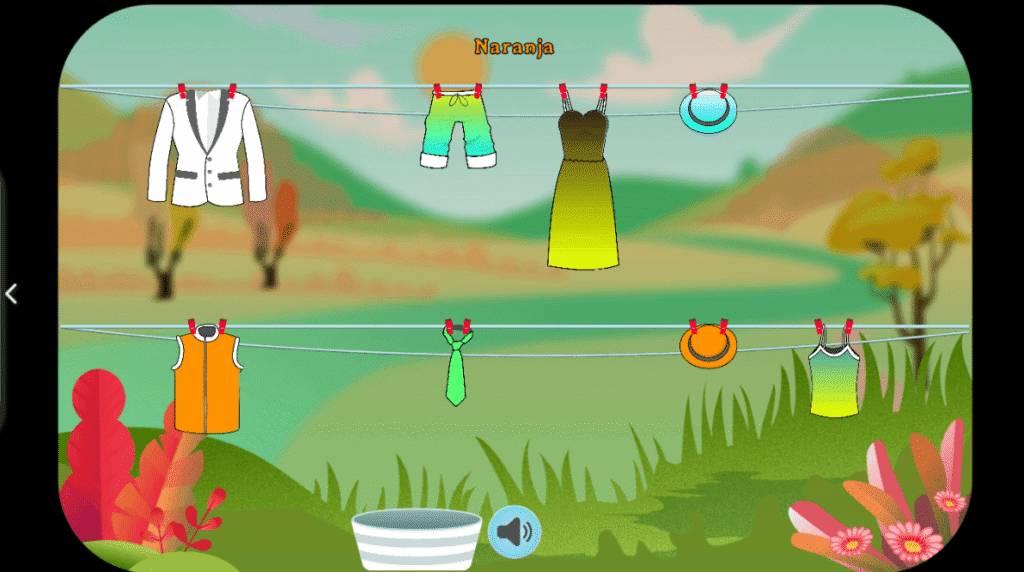
- Foreign Languages: Instead of just repeating vocabulary words—active practice with the LING Package, where children try to hit the appropriate item of clothing appearing on the screen with small balls, while seeing and hearing its name or color.
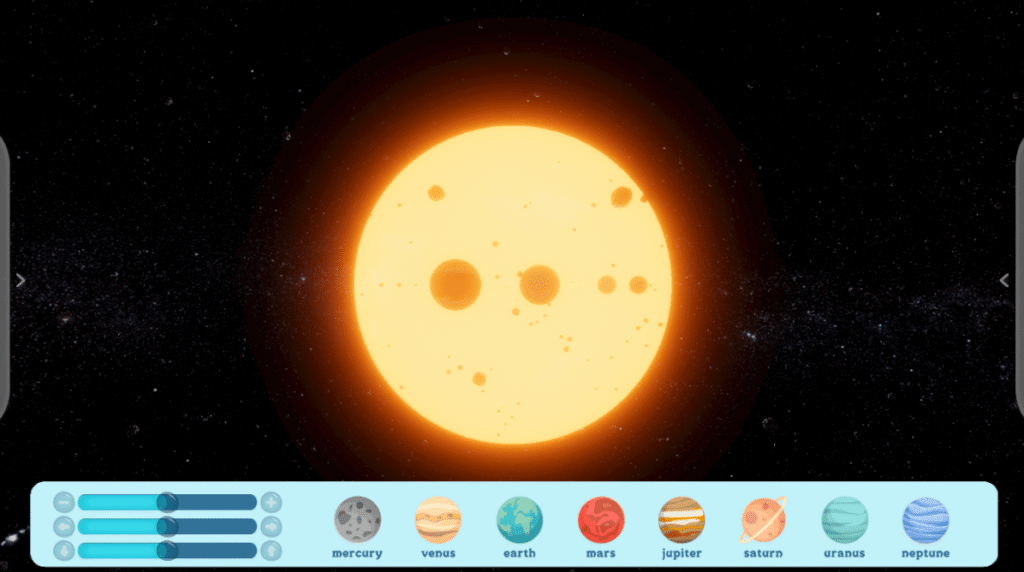
- Natural Sciences: The visualization of astronomical phenomena at the Planetarium (Planet Smart) makes it feel as if you can almost touch the Earth bathed in sunlight.
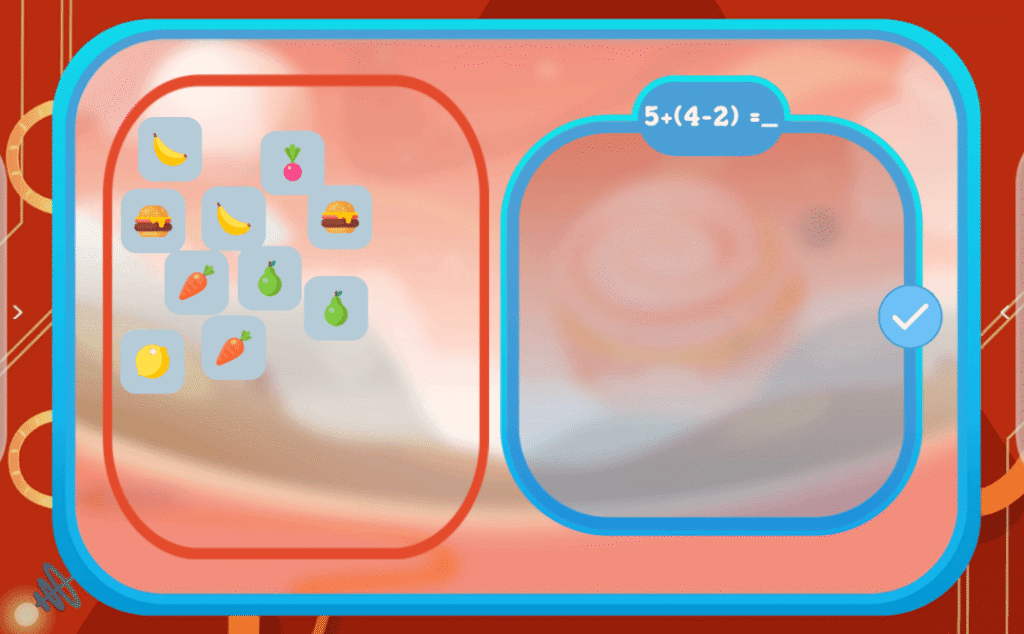
- Mathematics and Logic: Learning to add through play on Planet Sigma transforms abstract numbers into a concrete experience.
- Graphomotor Skills: Practicing letter formation using interactive pens at Planet M, which combines calligraphy instruction with a modern approach.

Summary: Less Stress, More Meaning
An interactive lesson doesn’t have to be a high-tech spectacle that requires hours of preparation. All you need is a clear goal and one proven tool that will become your ally.
Check out our solutions and our educational apps.