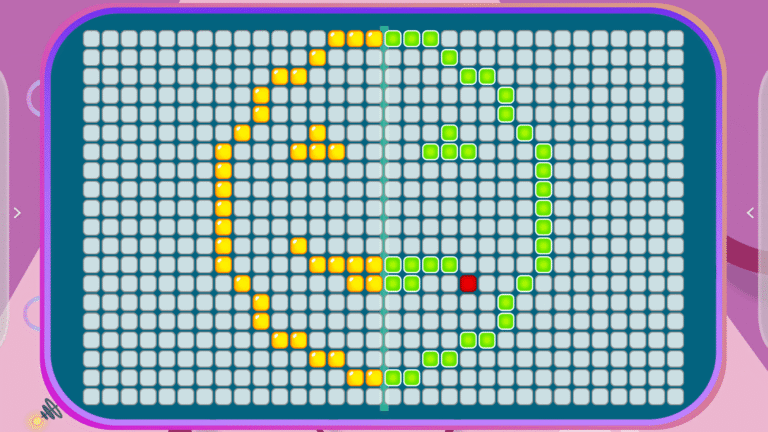
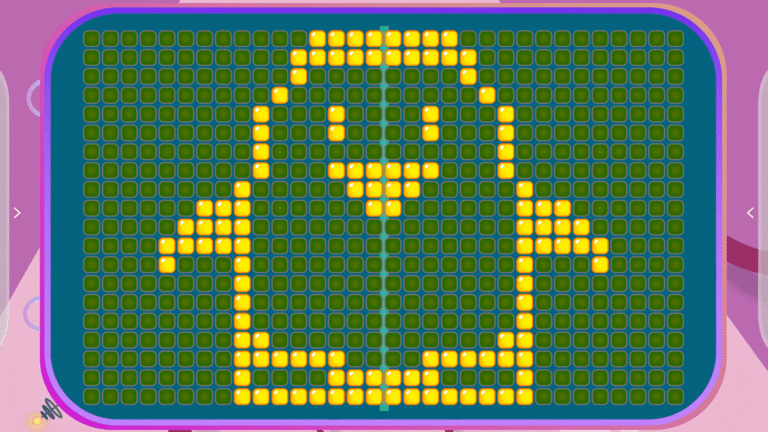
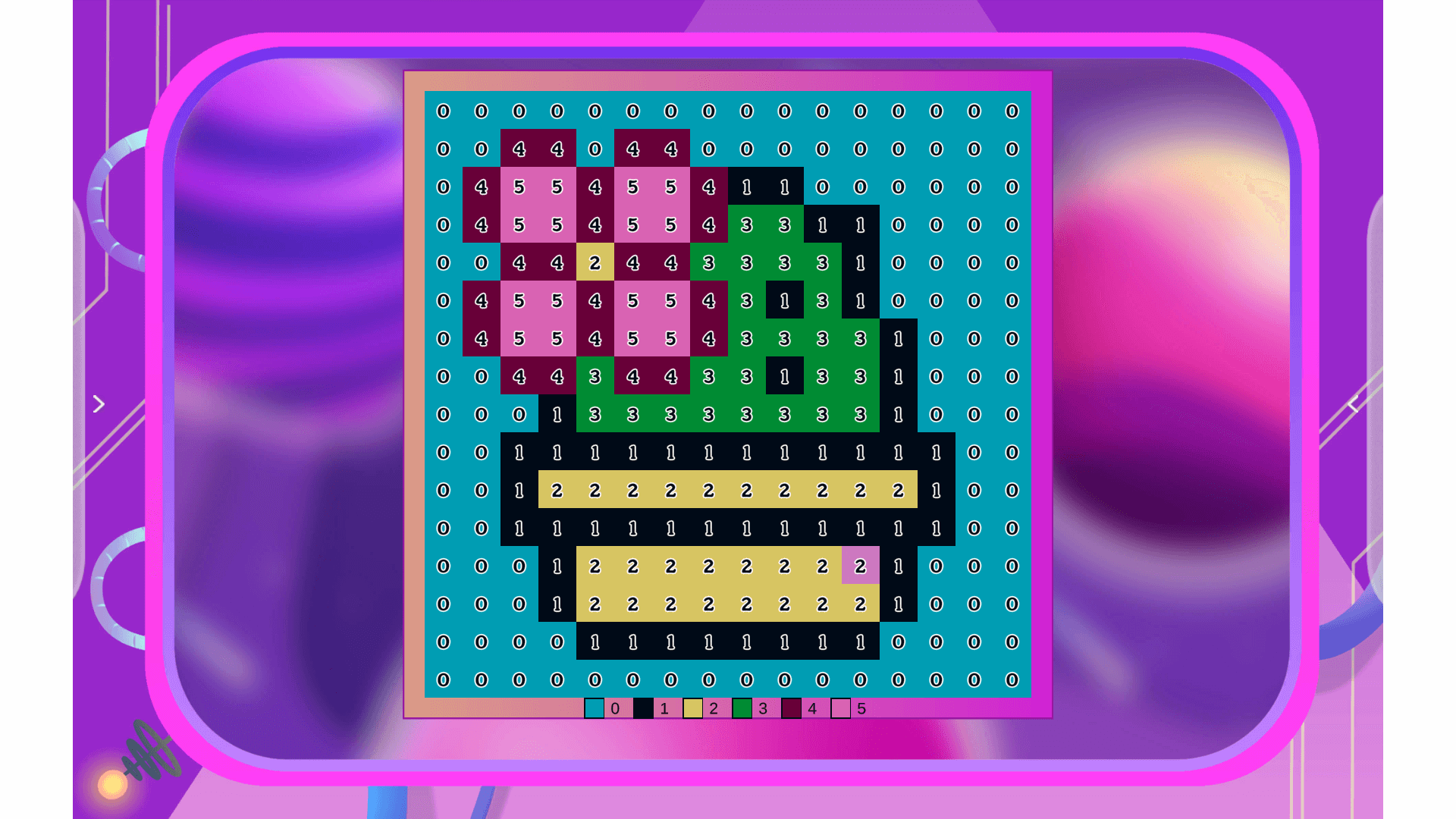
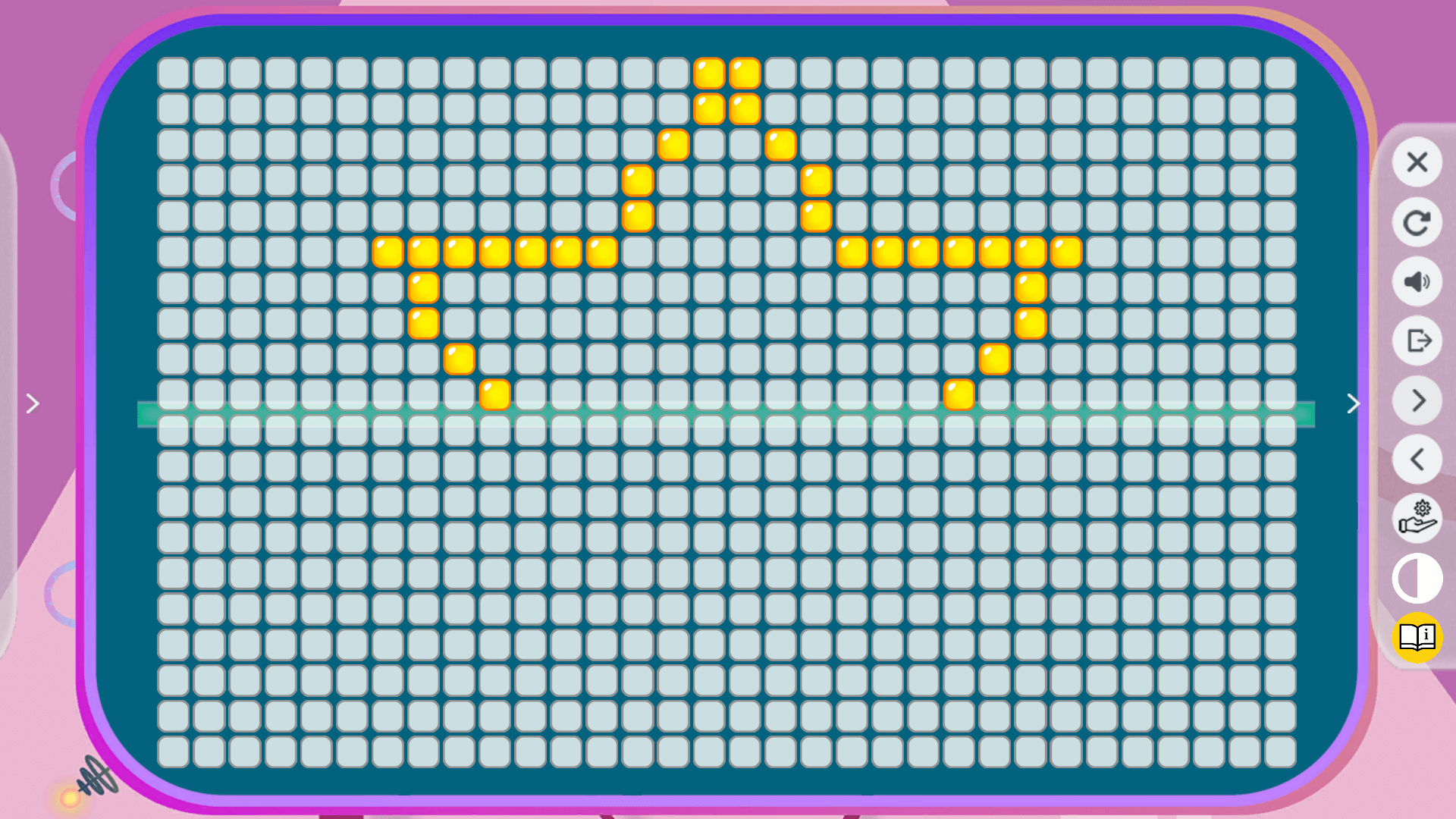
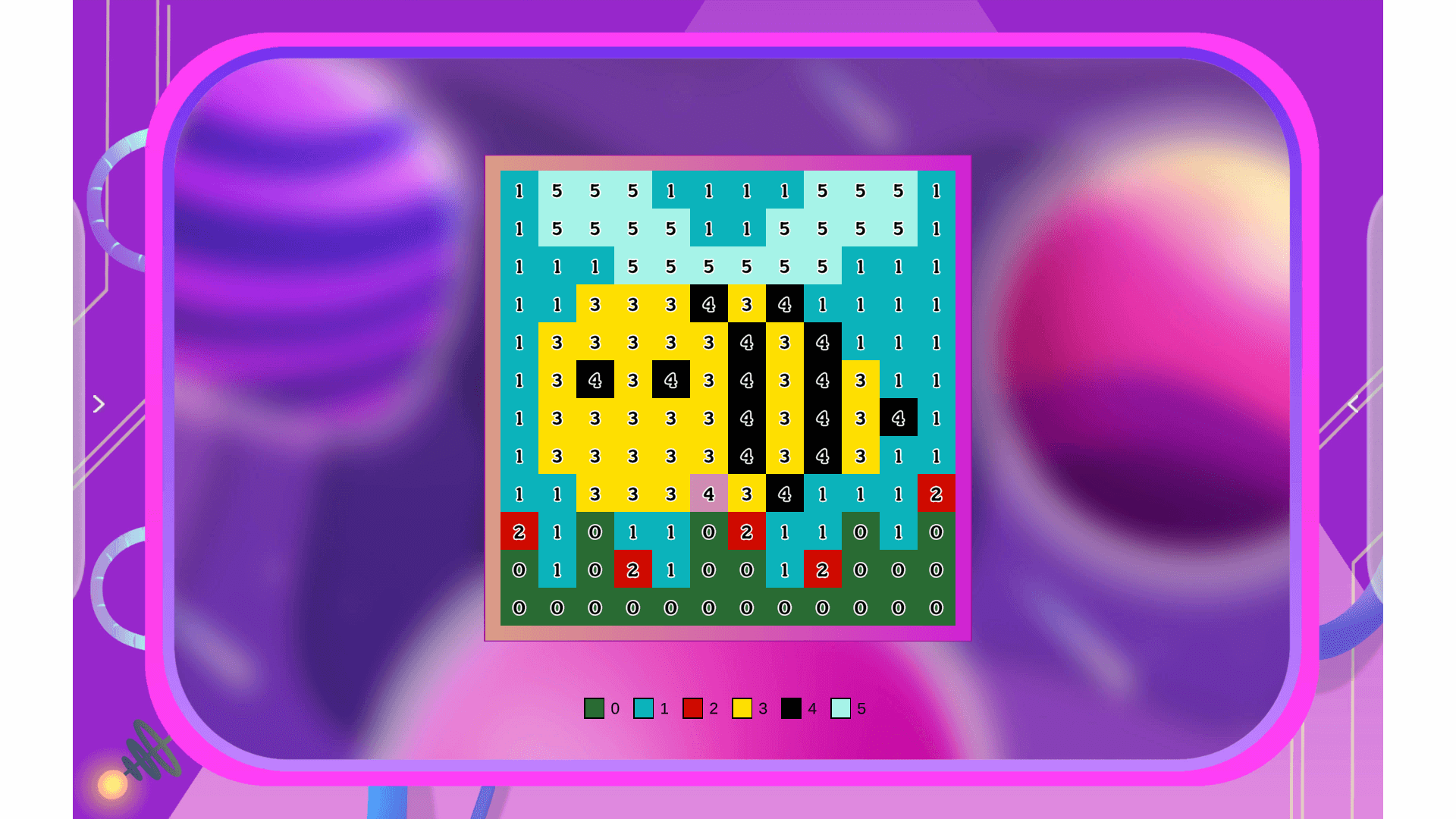
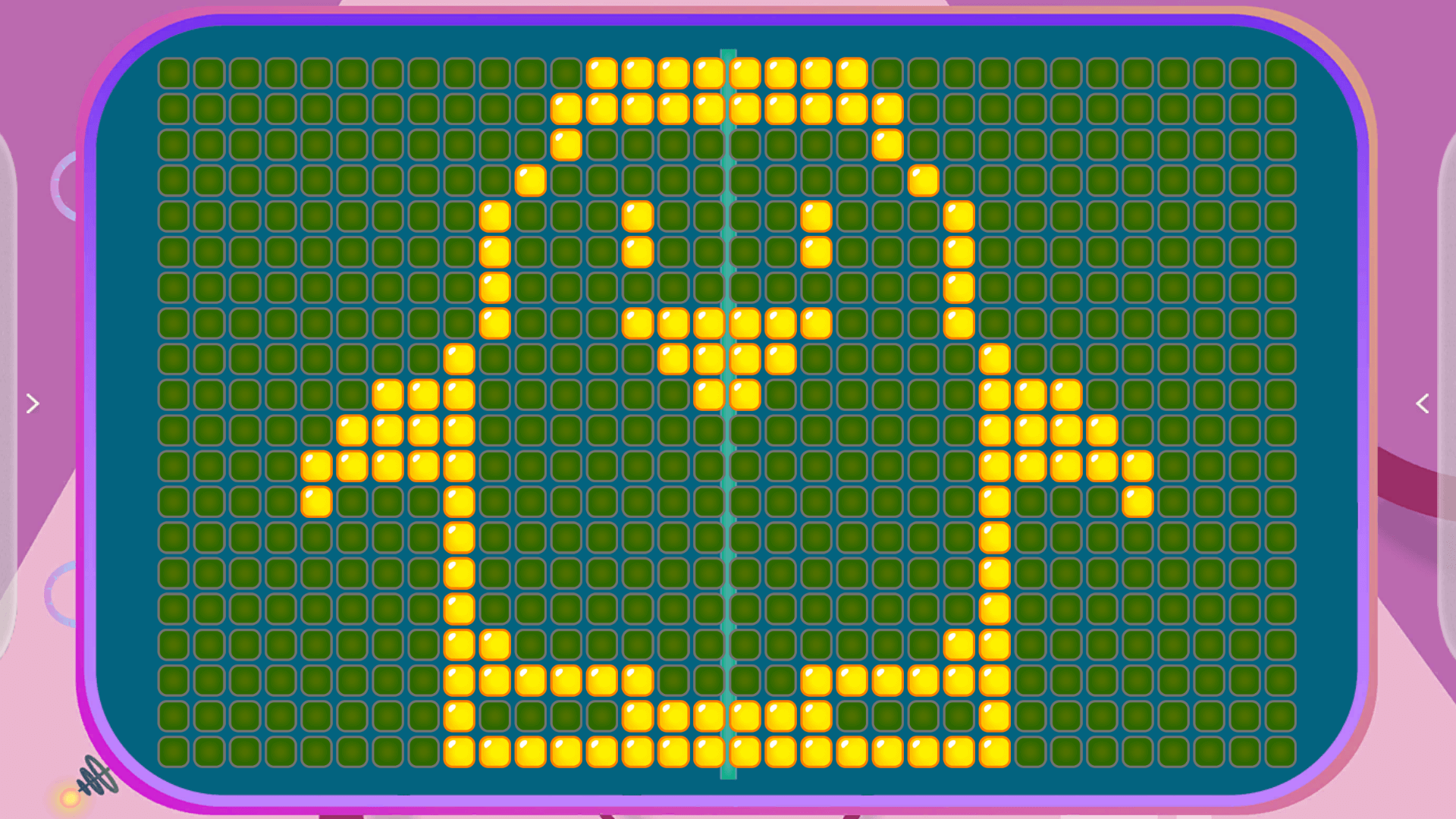
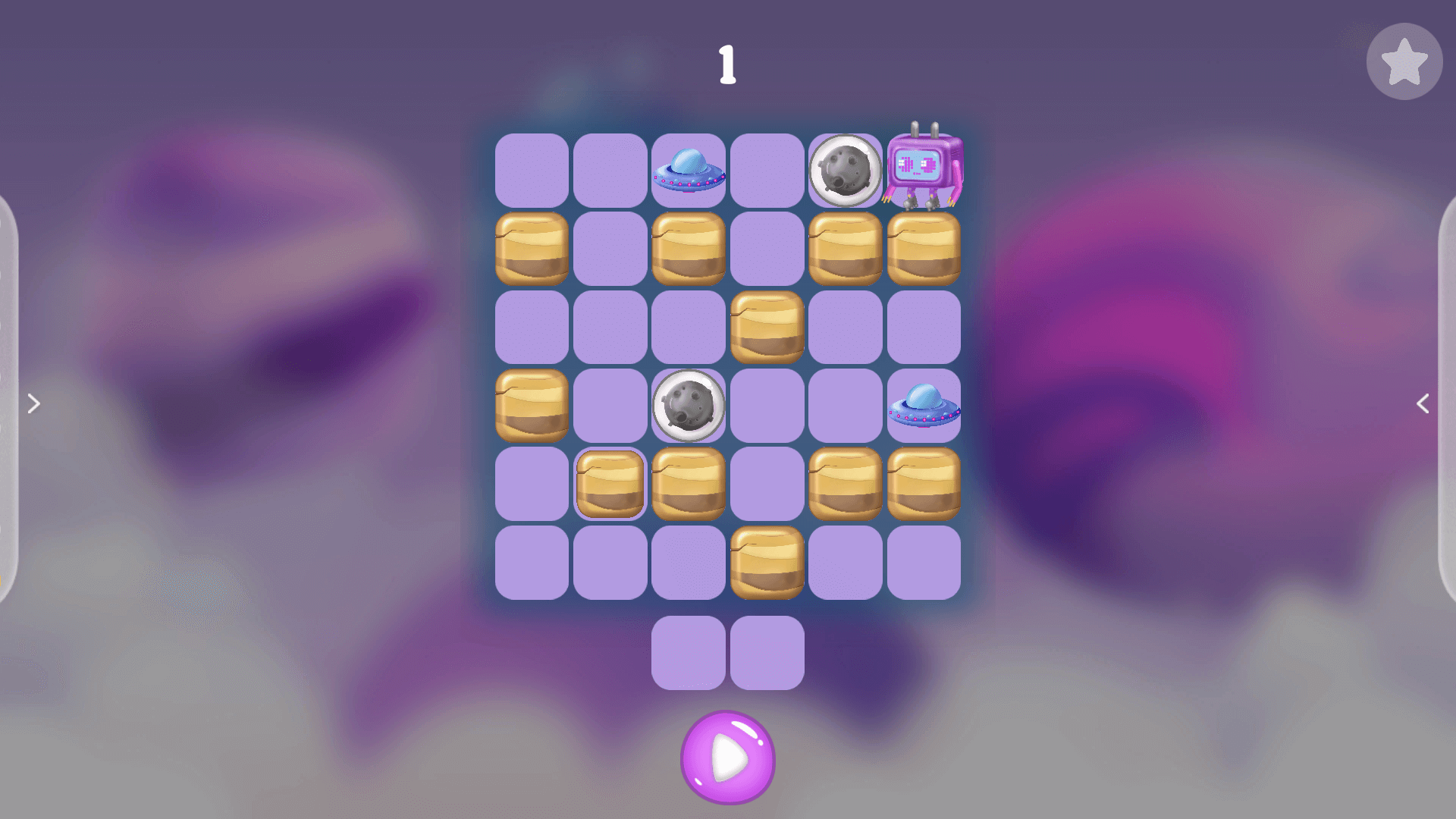
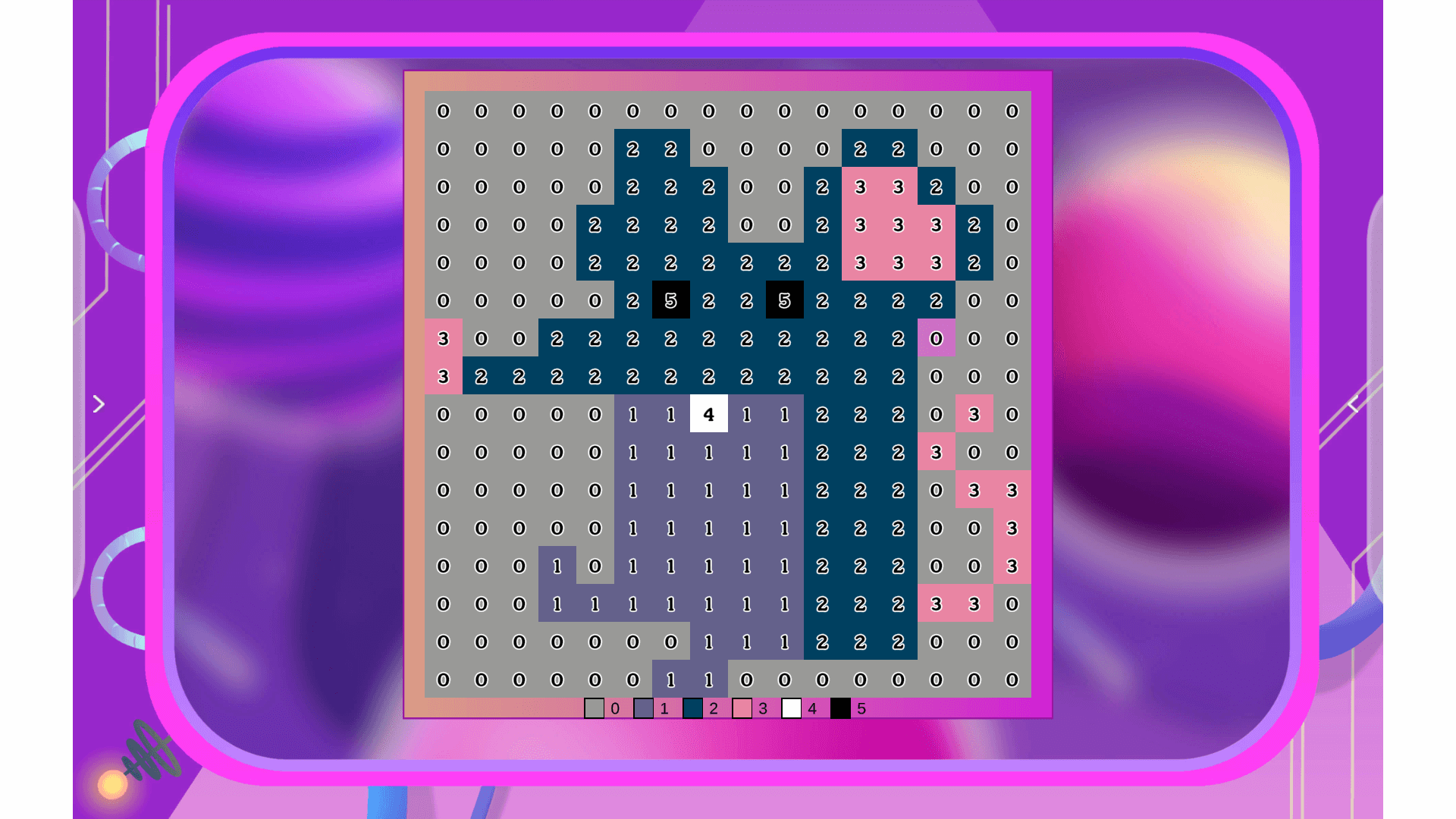
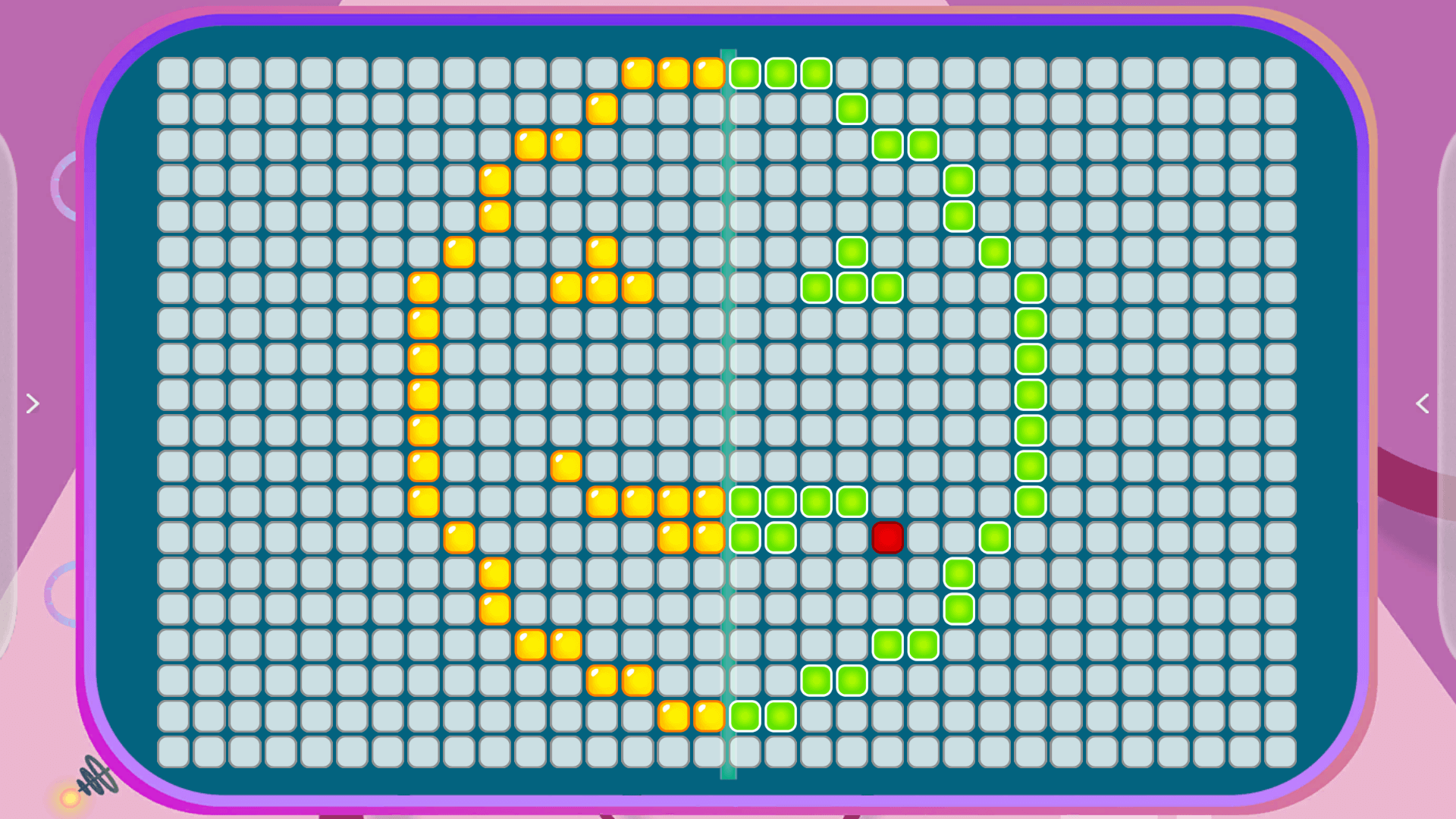
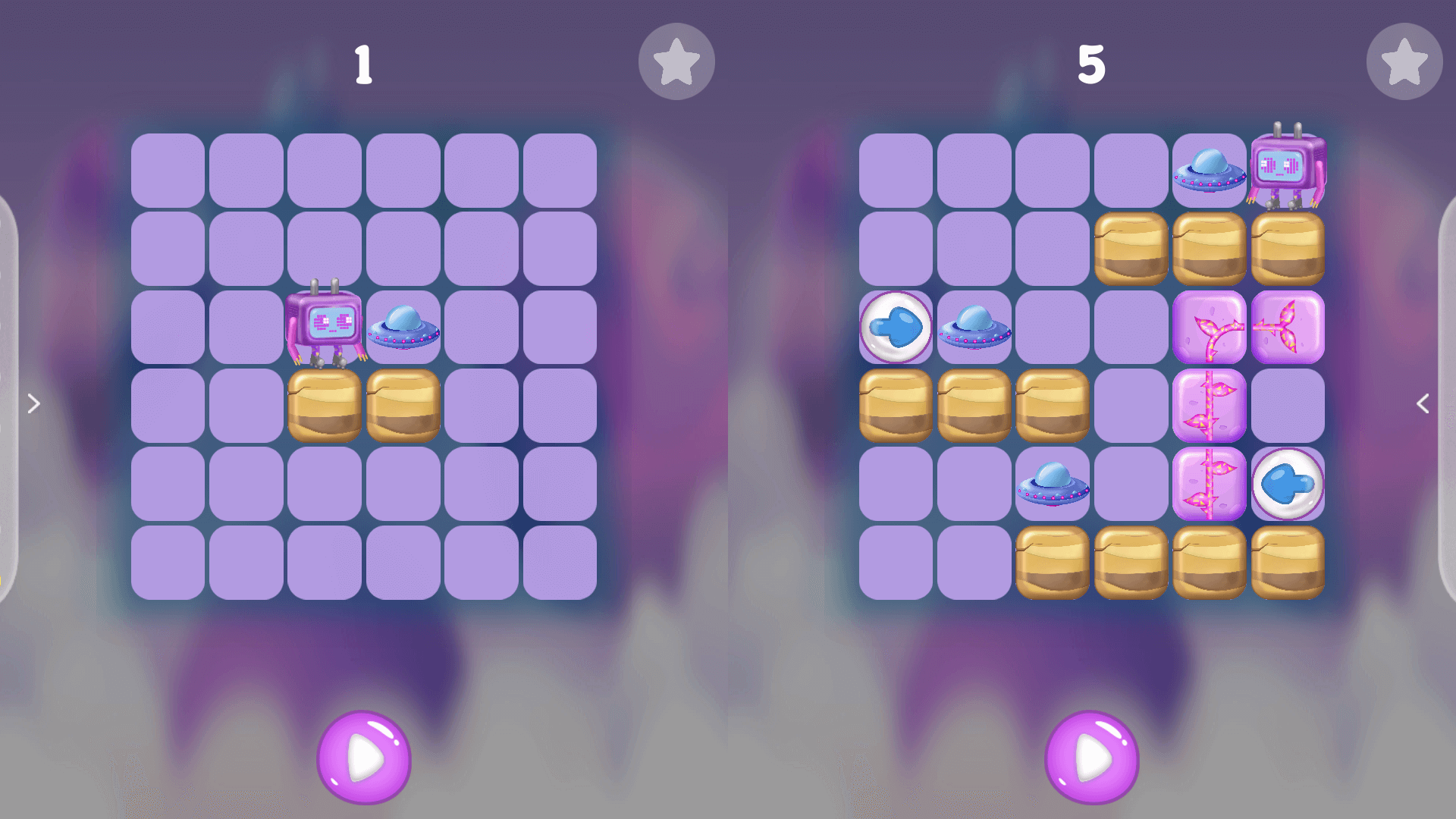
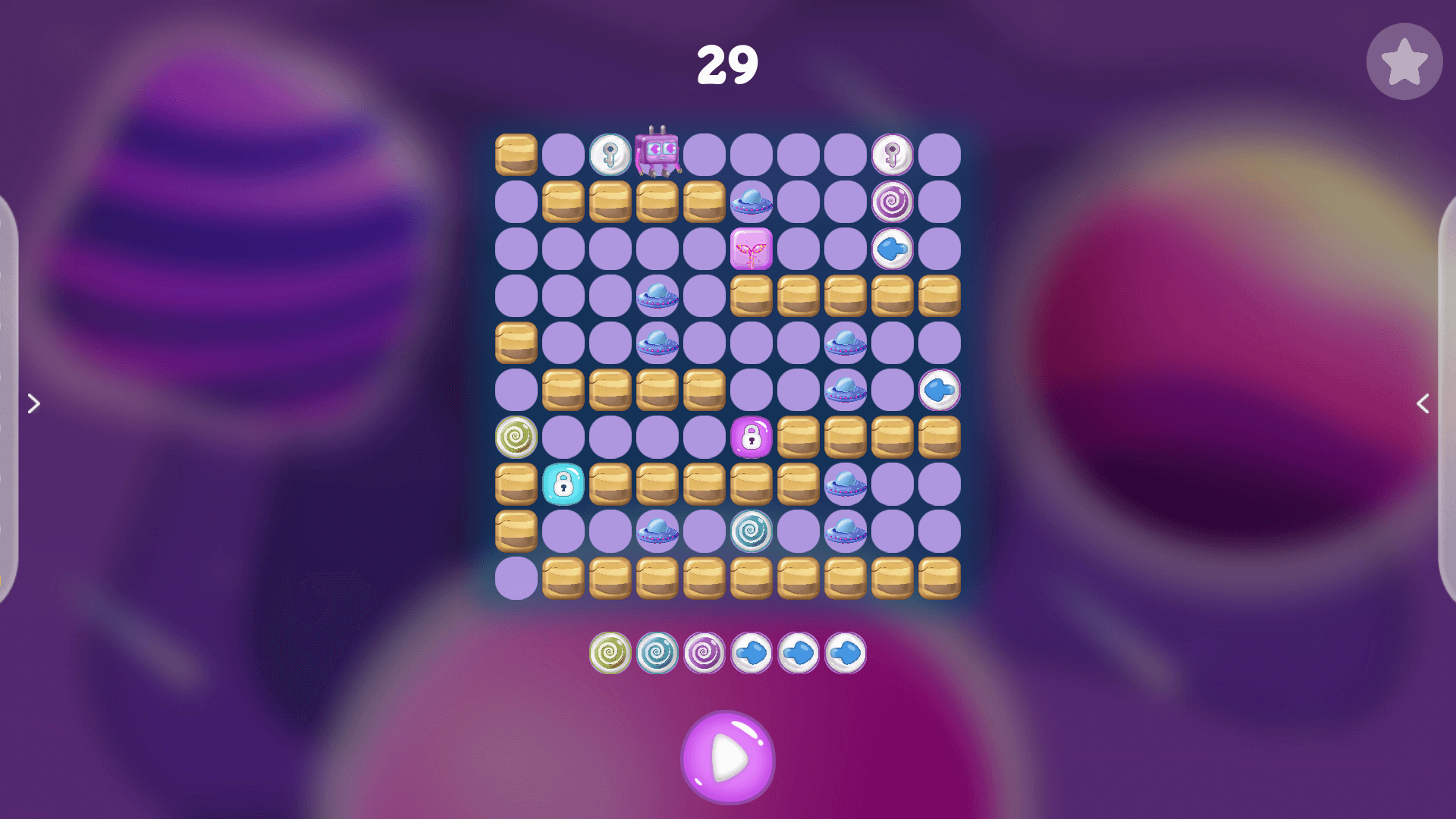
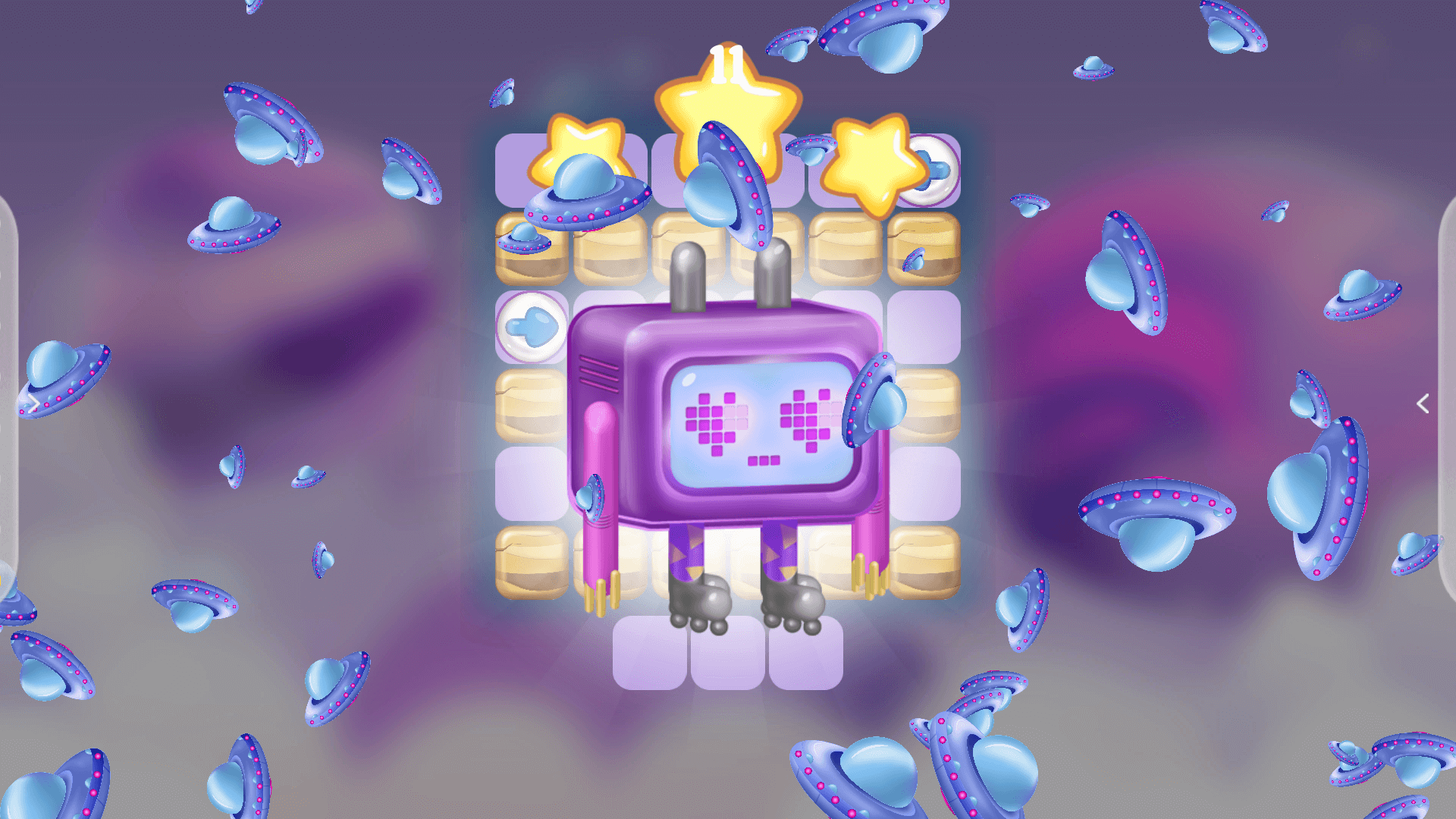
Planet Pi is a set of interactive educational applications that draws students into the world of logical thinking and introduces them to programming step by step. Planet Pi’s friendly form encourages even the youngest children to explore the world of algorithms and coding, making it an excellent tool for computer science lessons. It activates creativity, imagination and develops cognitively to create different problem-solving strategies. It equips children with the necessary competencies of the future.
The division into levels of difficulty allows the activity to be used in classes with both preschool and school-age children – from grade 1 all the way up to grade 6.
We encourage you to download the Planet manual, which includes detailed descriptions of educational applications and engaging lesson plans.
programming basics for kids, computer classes, coding, algorithms, computer skills, logical thinking, cause and effect thinking, critical thinking, imagination, creativity, patience, consistency, future competence
Special needs
including sound muting, color adjustments, difficulty levels
Age group
5 -10+ years
Forms of work
working with the whole group, working in teams, individual work
Content
Co-created content with experts, in line with the core curriculum
Planet Pi
Proven in education
It introduces elements of computer thinking and prompts the formation of problem-solving skills, developing 21st Century Competencies.
Two groups can act together at the same time, experiencing interactive fun together.
Each activity in the interactive application has a meaning on the way to the set goal, but at the same time the activities give freedom and indicate that there can be many ways to accomplish one task.
It will work great with the STEAM method.
A ready-made teaching aid for the teacher to conduct attractive lessons, develop pedagogical innovations and earn more promotion degrees.
You can work with Planet Pi offline on Knowla Box, Knowla Wall or online via a browser on a monitor or interactive whiteboard.
Technical specifications
Types of interaction
balls, pens, keyboard, touch
Compatibility with devices
Knowla Box, Knowla Wall
Type of license
indefinite
Updates
automatic, according to the continuous development of the product
Support
unlimited technical service
Additional resources
tutorials, lesson scenarios, case studies, ideas and inspirations for conducting lessons